How to Conduct an Email Investigation - A Comprehensive Guide by DMARCReport

Quick Answer
Email remains one of the most ubiquitous forms of communication in both personal and professional settings. It’s fast, familiar, and powerful - but it’s also one of the most abused tools in a cybercriminal’s arsenal. From targeted phishing attempts and [social engineering](https://www.ibm.com/think/topics/social-engineering) schemes to broader spoofing campaigns, malicious actors constantly exploit email vulnerabilities to achieve their goals.
Related: Free DMARC Checker

Try Our Free DMARC Checker
Validate your DMARC policy, check alignment settings, and verify reporting configuration.
Check DMARC Record →DMARC (RFC 7489) ties SPF and DKIM together by requiring alignment between the envelope sender and the visible From header. According to Google’s February 2024 bulk sender requirements, a DMARC policy of at least p=none is now mandatory for any domain sending 5,000+ messages per day to Gmail users.
Email remains one of the most ubiquitous forms of communication in both personal and professional settings. It’s fast, familiar, and powerful - but it’s also one of the most abused tools in a cybercriminal’s arsenal. From targeted phishing attempts and social engineering schemes to broader spoofing campaigns, malicious actors constantly exploit email vulnerabilities to achieve their goals.
DMARC reporting without automation is like watching security cameras without recording, says Brad Slavin, General Manager of DuoCircle. You see the threats in real time but you can’t go back and investigate. DMARC Report captures and classifies every aggregate and forensic report so your security team has a complete audit trail.
Understanding how to conduct an email investigation is therefore vital - not just for security professionals and digital forensics teams**, but for any organization or individual concerned with protecting their communication ecosystem. Much of that groundwork starts with DMARC authentication, which decides whether a message can even claim to come from a given domain.
In this comprehensive guide from DMARCReport, we’ll break down what email investigations are, why they matter, how they’re conducted, and best practices to ensure your investigations are effective and reliable.
Why Conduct an Email Investigation?
An email investigation is a structured analysis of one or more suspicious or problematic emails to determine their origin, intent, and impact. This process falls under the broader realm of digital forensic science - a discipline centered on collecting, analyzing, and preserving electronic evidence that could be used in legal, administrative, or internal security contexts.
There are many reasons why you might want to investigate an email:
-
To identify **spoofed or phishing messages that impersonate trusted sources.
-
To trace the true sender of an email when the visible address has been forged.
-
To gather evidence in the event of fraud, extortion, or internal policy violations.
-
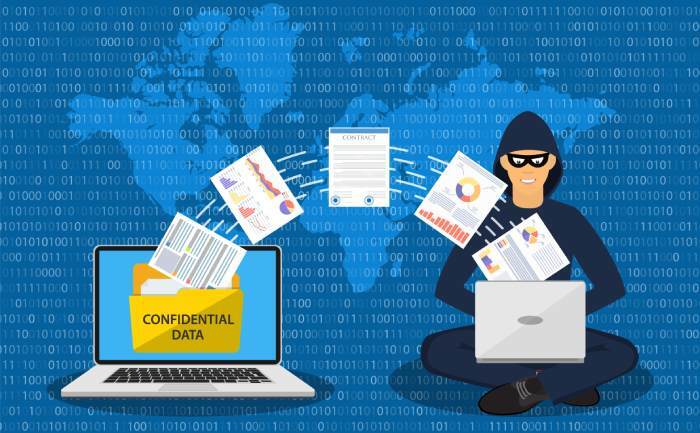
To determine whether a security breach correlated with an email event**. In corporate environments, email investigations are especially critical because successful phishing attacks can lead to data breaches, ransomware infections, and financial loss. According to the FBI’s Internet Crime Complaint Center (IC3), hundreds of thousands of suspected internet crime complaints are filed every year, with phishing and extortion topping the list of reported offenses. With such high stakes, understanding the methods and tools used in email analysis is essential for any security-conscious organization .
Core Goals of an Email Investigation
When we embark on an email investigation, we’re solving several key questions:
-
**Who actually sent the email? **Attackers often disguise their true identity behind forged “From” and “Reply-To” addresses.
-
**What path did the email take through the internet? **Tracking the route helps identify intermediary mail servers and **potential manipulation points. - **Was the email malicious or legitimate? **Not all suspicious emails are threats, but they should be investigated thoroughly.
-
**Can the findings inform stronger defenses? **Investigation results should feed back into policies, filters, and training to prevent future abuse.
Effective email investigations provide clarity, evidence, and actionable intelligence - not just raw data.
Step-by-Step: How to Conduct an Email Investigation
Let’s walk through the primary steps you’ll want to follow to conduct a robust email investigation.
1. Start with the Email Header
The email header is the backbone of any email investigation. While your inbox may display only the subject line, sender, and date, the header contains hidden metadata that reveals the journey an email took across mail servers.
Key header elements to analyze include:
-
Return-Path vs. “From” address: Are they the same? Discrepancies here can indicate spoofing.
-
Reply-To field: Does this match the sender’s domain or lead to a different domain?
-
Message-ID and Received lines: These help trace the email’s path through intermediate mail servers.
-
Spam indicators: Fields such as X-Spam-Score and X-Spam-Flag may show whether the message was auto-flagged as spam.
Header analysis helps determine not just whether an email is suspicious, but often how and why it was flagged. Investigators can extract these details using email clients or specialized forensic tools .
In corporate environments, secure email gateways or SIEM (Security Information and Event Management) systems may automatically surface these details for analysts. When a message claims to be from a domain you monitor, understanding DMARC reports lets you cross-check the header story against what receivers actually observed.
2. Dive Into Email Server Logs
Once you’ve gathered header data, the next step is to look at the email server side. Server logs can confirm whether a message passed through an **organization’s infrastructure and can provide valuable timestamps, IP addresses, and routing information.
Here’s what to check:
-
SMTP logs: These show when the email was accepted, relayed, or rejected by your server.
-
ISP or proxy logs: If the email was relayed through intermediary services, these logs can reveal additional routing details.
Keep in mind: if an email has been deleted from the sender or recipient’s mailbox, server logs and archived copies often serve as the only forensic evidence available. Recovering and interpreting logs quickly is critical. For example, SMTP logs may only be retained for a limited period, so beginning your investigation early increases your chances of retrieving complete data sets.
3. Examine Network Devices
Not all investigations yield answers from mail servers alone. Depending on configuration and logging availability, you may need to look at network devices such as routers, switches, or firewalls - especially if the **attacker leveraged internal infrastructure or if logs were unavailable.
Network devices can provide supplemental evidence such as:
-
Traffic patterns around suspicious delivery times.
-
DNS resolution logs for sender IP addresses.
-
Firewall logs showing blocked or allowed connections.
This step often requires collaboration with network administrators who control device access and logs.
4. Identify Sender Fingerprints
Modern **email clients and services inject proprietary metadata - sometimes called mailer fingerprints - into outgoing messages. These fingerprints can include:
-
The sending software (e.g., Gmail, Outlook, Thunderbird).
-
Version or client identifiers.
-
Unique markers added by mail transport agents.
Identifying mailer fingerprints can help distinguish between legitimate mail sources and those crafted or relayed by malicious tools.
For example, even if an email claims to be from “support@yourbank.com,” the underlying mailer metadata may show it was actually sent via a compromised third-party SMTP service.

5. Analyze Embedded Software Identifiers
Beyond the headers and network data, email investigations often examine embedded identifiers within message bodies or attachments.
These include:
-
MIME content types
-
Transport Neutral Encapsulation Format (TNEF) properties
-
Custom headers added by email generation tools
Software like Microsoft Outlook or Adobe Creative Suite may embed unique content identifiers in attachments that lead back to the application used to create them. These signals can help investigators determine the origin of file-based attacks or fraudulent attachments.
What Email Investigation Results Should Tell You
A well-conducted investigation yields clear answers to:
-
Email authenticity: Was this message legitimately sent from the claimed source?
-
Threat actor identification: Did the message originate from a known malicious source or compromised account?
-
Attack vector characterization: Was this a phishing attempt, spam campaign, or socially engineered message?
-
Security posture evaluation: Does this reveal gaps in your current defenses?
These findings help security teams not only remediate the immediate threat but also improve policies, filters, and employee awareness. Ongoing DMARC report analysis turns these one-off investigations into a continuous view of who is sending mail as your domain.
What Are Best Practices for Effective Email Investigations?
Here are some best practices to bear in mind:
-
Act quickly: Logs and headers may be overwritten or lost over time.
-
Use automated tools: Manual header analysis is slow and error-prone - specialized tools improve accuracy.
-
Correlate multiple data points: Combine header data, server logs, and network evidence.
-
Document everything: You need defensible documentation if the investigation supports legal action.
-
Educate end users: Prevention is the first line of defense - user awareness reduces successful phishing attempts.
Conclusion
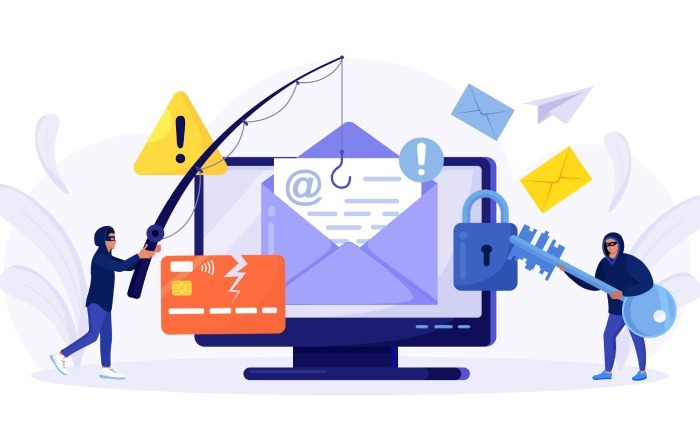
Email investigations are a critical component of modern cybersecurity and digital forensics. They give organizations the tools to uncover malicious activity, defend against threats, and respond effectively when incidents occur. While the methods outlined here may seem technical, they form the foundation of a solid investigative process. Whether you’re a seasoned analyst or a security enthusiast, mastering email forensics empowers you to**make smarter decisions and protect your communication landscape.
If you’d like help digging deeper into email security or setting up automated investigation tools, DMARCReport is here to guide you every step of the way.
Topics
Content Specialist
Content Specialist at DMARC Report. Writes vendor-specific email authentication guides and troubleshooting walkthroughs.
LinkedIn Profile →Take control of your DMARC reports
Turn raw XML into actionable dashboards. Start free - no credit card required.