How DMARC Helps Protect Organizations from Fake Zoom Phishing Emails

Quick Answer
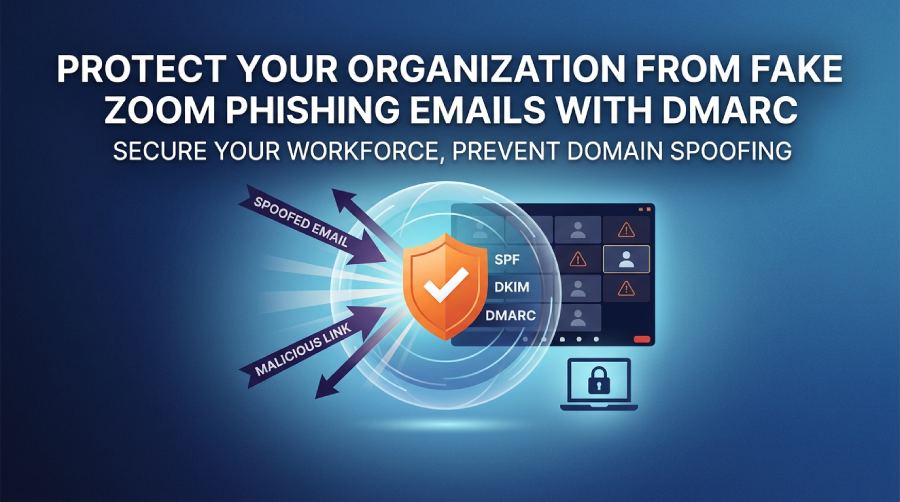
DMARC helps protect organizations from fake Zoom phishing emails by verifying that incoming messages align with SPF and DKIM authentication. It blocks or quarantines spoofed emails, reduces phishing risks, safeguards employee credentials, and improves trust in legitimate email communications.
Try Our Free DMARC Checker
Validate your DMARC policy, check alignment settings, and verify reporting configuration.
Check DMARC Record →Video conferencing has become an essential part of modern business communication, making trusted platforms like Zoom attractive targets for cybercriminals. Rather than attacking the platform itself, threat actors often send fraudulent emails that impersonate Zoom notifications to trick recipients into revealing login credentials or clicking malicious links.
These phishing campaigns rely on email spoofing to make messages appear legitimate. By copying Zoom’s branding and creating a sense of urgency, attackers increase the likelihood that recipients will interact with malicious content. For organizations, preventing these attacks requires more than user awareness—it also requires strong email authentication.
Technologies such as SPF, DKIM, and DMARC help verify the authenticity of email messages and make it more difficult for attackers to impersonate trusted domains. When properly implemented, they reduce the risk of spoofed emails reaching users’ inboxes and provide visibility into unauthorized email activity.
Why Zoom Is Commonly Used in Phishing Campaigns
Employees receive legitimate meeting invitations, webinar registrations, password reset notifications, and meeting recordings from Zoom on a regular basis. Because these emails are familiar and often require prompt attention, they present an ideal opportunity for phishing attacks.
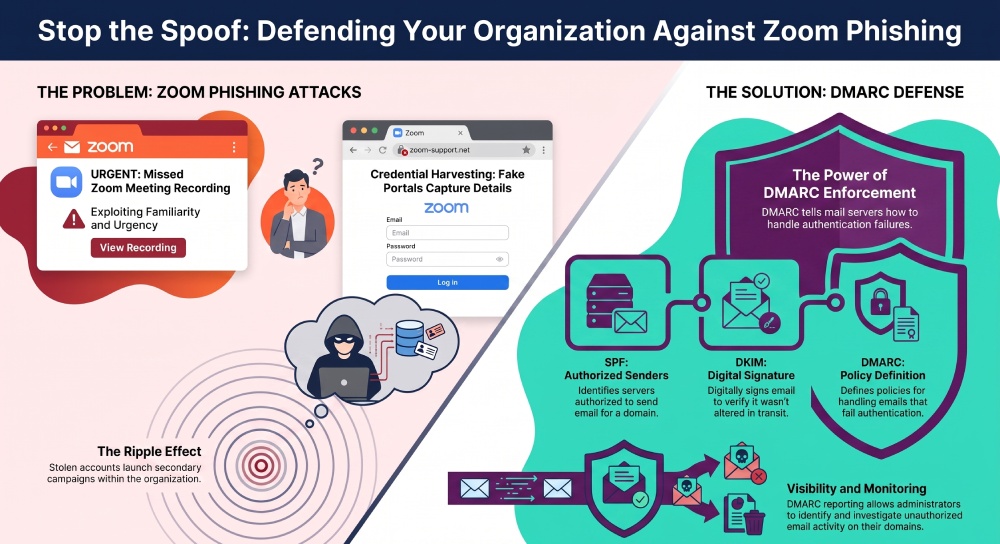
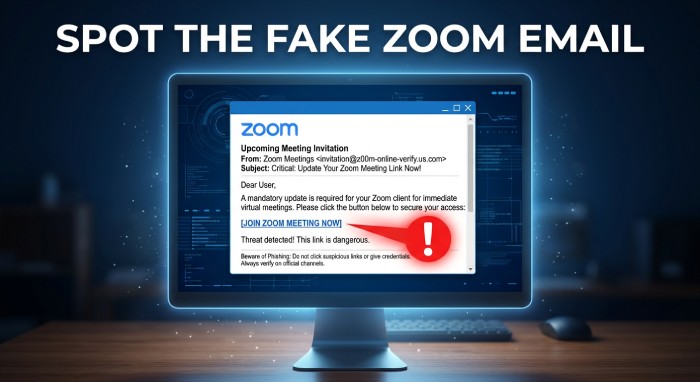 Cybercriminals exploit this trust by distributing convincing emails that appear to come from Zoom. These messages may claim that a meeting recording is available, that a scheduled meeting has changed, or that an account requires verification. The objective is to persuade recipients to click a malicious link before they question the email’s authenticity.
How Fake Zoom Emails Lead to Credential Theft
Most Zoom-themed phishing attacks begin with an email containing a link to a counterfeit website. The page is designed to resemble either the Zoom sign-in portal or an organization’s single sign-on page. Victims who enter their business email address and password unknowingly provide their credentials to the attacker.
Compromised accounts can be used to access corporate email, cloud applications, collaboration tools, and sensitive business information. In many cases, stolen accounts are also used to launch additional phishing campaigns within the same organization.
How SPF, DKIM, and DMARC Help Prevent Email Spoofing
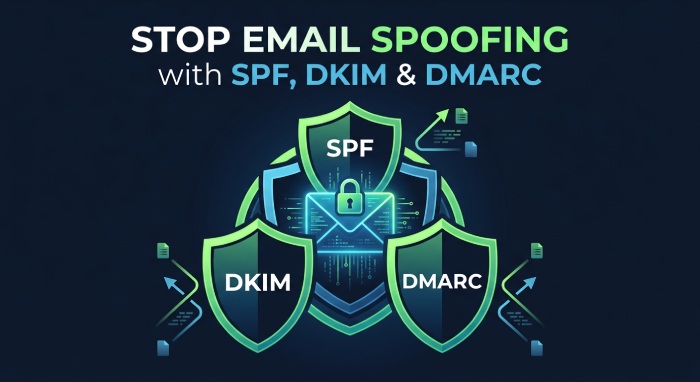 While user awareness is essential, technical controls provide another layer of protection against phishing. SPF identifies the servers authorized to send email on behalf of a domain, DKIM verifies that messages have not been altered in transit, and DMARC builds on both standards by defining how receiving mail servers should handle emails that fail authentication.
Organizations that enforce a DMARC policy can significantly reduce the risk of attackers successfully spoofing their own domains. DMARC reporting also helps administrators identify unauthorized sending sources, investigate authentication failures, and strengthen their email security posture over time. Ongoing DMARC monitoring is what makes that visibility actionable. Run a quick DMARC check to confirm your policy is published and enforced.
Best Practices for Reducing Zoom Phishing Risks
Organizations should combine email authentication with broader cybersecurity measures to defend against phishing attacks. Recommended practices include:
- Publish accurate SPF records for all sending services.
- Digitally sign outbound email with DKIM.
- Enforce a DMARC policy after validating legitimate senders.
- Monitor DMARC reports to detect unauthorized email activity.
- Train employees to verify unexpected meeting invitations.
- Encourage users to access Zoom directly instead of following email links when possible.
- Require multi-factor authentication for business accounts.
- Use strong, unique passwords for all services.
Final Thoughts
Zoom phishing campaigns demonstrate how easily trusted brands can be abused to deceive users. Although attackers continue to refine their tactics, organizations can reduce their exposure by combining employee awareness with robust email authentication.
Implementing SPF, DKIM, and DMARC helps prevent domain spoofing, improves trust in legitimate communications, and strengthens defenses against phishing campaigns that rely on impersonating well-known services such as Zoom. It also moves you toward email authentication compliance with the standards major providers now require.
General Manager
General Manager of DuoCircle. Product strategy and commercial lead for DMARC Report's 2,000+ customer base.
LinkedIn Profile →Take control of your DMARC reports
Turn raw XML into actionable dashboards. Start free - no credit card required.