Understanding Proofpoint’s Inbound DMARC Handling — A DMARCReport Analysis
Email authentication standards like DMARC (Domain‑based Message Authentication, Reporting, and Conformance) have become indispensable in the fight against spoofing, phishing, and domain impersonation. Organizations rely on DMARC not only to protect their brand but also to ensure the authenticity of email traffic traversing the internet.
At DMARCReport, we’re passionate about helping security teams, IT administrators, and domain owners understand how various email security platforms behave in real‑world deployments. One frequent question we get is: How does Proofpoint handle inbound email authentication, specifically DMARC?
In this deep dive, we unpack that topic thoroughly, explain how Proofpoint’s implementation differs from standard DMARC processing, and outline what administrators need to know to enforce inbound email authentication effectively.
What DMARC Is — A Quick Refresher
Before we explore how Proofpoint handles inbound DMARC, it’s important to revisit what DMARC is and why it matters.
What is DMARC?
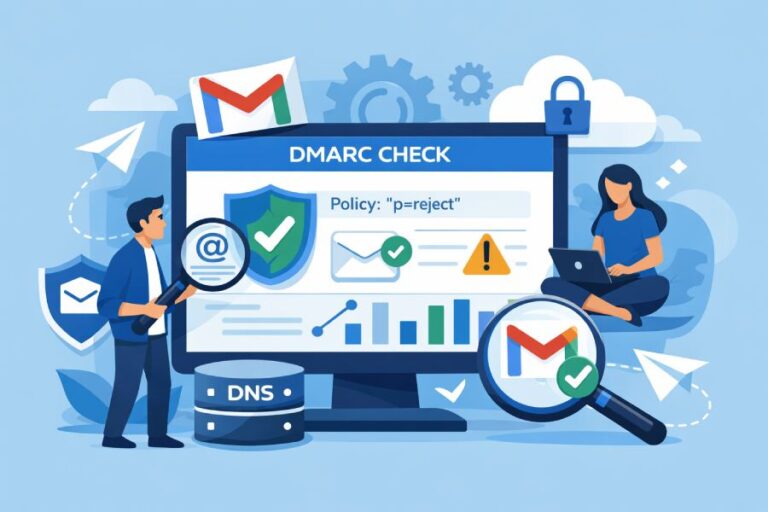
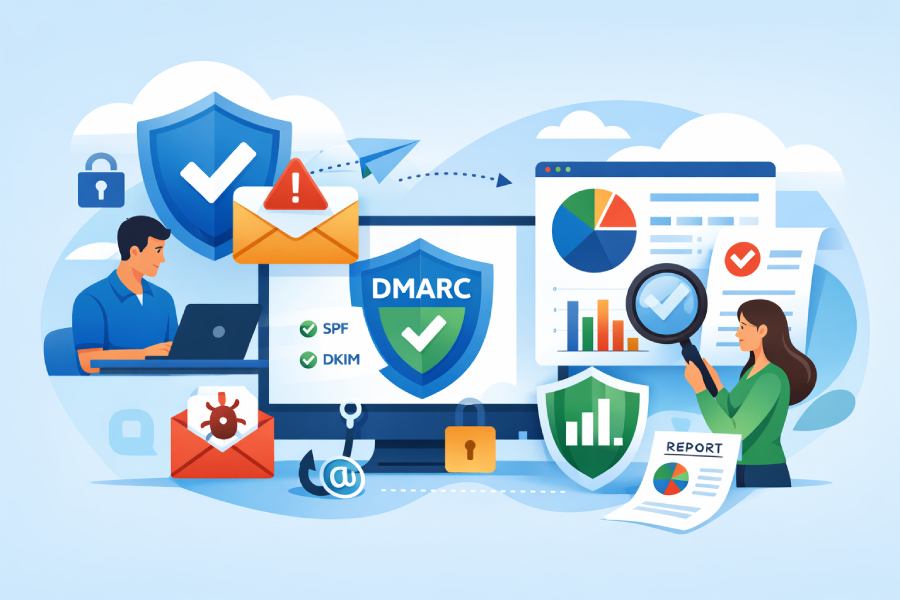
DMARC is an email authentication protocol that builds on the two foundational technologies of SPF (Sender Policy Framework) and DKIM (DomainKeys Identified Mail). It gives domain owners control over how receiving mail systems should treat messages that fail SPF and DKIM checks, allowing them to specify a policy—such as none, quarantine, or reject.
DMARC policies work by:
- Verifying that the “From” address is legitimate, matching it against SPF and DKIM checks.
- Communicating policy instructions (e.g., reject or quarantine) to mail receivers.
- Generating reports so domain owners can see how their domain is being used (or abused).
In theory, DMARC gives receiving systems a standard way to decide whetherincoming mail claiming to originate from a particular domain is valid or potentially fraudulent. But not all email security gateways enforce DMARC policies in the same way.

Introducing Proofpoint’s Approach to Inbound DMARC
Proofpoint is one of the leading email security platforms globally, widely used by enterprises to protect against threats like phishing, Business Email Compromise (BEC), malware, and domain spoofing.
However, when it comes to inbound DMARC enforcement, Proofpoint’s default behavior differs somewhat from what many administrators might expect.
Key Behavior: DMARC Reject Isn’t Automatically Enforced
Here’s a critical point: Even if a sending domain has a DMARC policy of reject, Proofpoint does not automatically reject inbound emails that fail DMARC checks. Instead:
- Emails that fail DMARC under a reject or quarantine policy will be classified as “Fraud” and typically appear in the end‑user digest or quarantine views.
- They will not be bounced outright or rejected at the SMTP level unless specific anti‑spoofing settings are enabled by the administrator.
This distinction is vital. Many domain owners assume that publishing a strict DMARC policy automatically triggers remote receivers toreject fraudulent emails. In Proofpoint’s case, that’s not the default. Without additional configuration, fraudulent messages might still reach users — though they may be labeled or quarantined internally.
Enabling Inbound Anti‑Spoofing in Proofpoint
Proofpoint’s system includes a separate Anti‑Spoofing feature that allows administrators to enforce DMARC, SPF, and DKIM checks more aggressively. Enabling this feature is the key to having Proofpoint honor DMARC policies in a manner closer to what domain owners expect.
Step‑by‑Step Activation
Enabling inbound anti‑spoofing involves two major phases:
- Enable the Anti‑Spoofing Feature
- Navigate to Administration > Account Management > Features
- Check the box labeled “Enable Anti‑Spoofing Policies”
- Save changes
- Configure Policies
- Go to Security Settings > Malicious Content > Anti‑Spoofing
- You’ll see options for inbound DMARC, SPF, and DKIM
Once the Anti‑Spoofing feature is enabled, you can customize how Proofpoint evaluates and acts upon emails that fail authentication checks.
Inbound DMARC — What the Options Mean
Within Proofpoint’s Anti‑Spoofing settings, administrators must decide how to enforce inbound email authentication.

1. Honor the Sending Domain’s DMARC Policy
This is the recommended setting:
✔️ Allow the sending domain’s DMARC policy to determine whether messages should be blocked.
When selected, Proofpoint evaluates the sendingdomain’s published DMARC policy and applies that instruction. This brings Proofpoint closer to how receiving mail servers (e.g., Gmail or Microsoft) would enforce DMARC — respecting the domain owner’s intent.
If an email fails DMARC under this mode and the sending domain’s policy is reject, the message can be handled in a way that blocks or quarantines delivery. The exact mechanism of blocking versus quarantining depends on how the administrator configures the next layer of options.
2. Ignore the Sending Domain’s DMARC Policy but Log the Result
This option tells Proofpoint:
✖️ Do not enforce the published DMARC policy. Instead, simply check DMARC and log the outcome in headers and internal logs.
Under this mode, even if a domain has a strict reject policy, Proofpoint will allow the email to pass through. The result is logged, but the mail continues to be delivered. This option is appropriate only when visibility—not enforcement—is the primary goal.
Handling SPF and DKIM When DMARC Is Absent or Ignored
Not all domains publish a DMARC record, and some administrators may choose to deliberately ignore DMARC policies for specific use cases. Proofpoint offers fallback evaluation for SPF and DKIM when DMARC isn’t present or isn’t being enforced.
Inbound SPF Evaluation
When a domain lacks a DMARC policy or one chooses to ignore it:
- Messages are checked against the sender’s SPF record
- Possible outcomes include failure, temporary error, and permanent error
- Administrators decide how each outcome is handled — quarantine, tag, or no action
A failure suggests the message did not originate from an authorized server.
Inbound DKIM Evaluation
Similarly, DKIM signatures can be evaluated:
- If DKIM fails (signature invalid), it may indicate forgery or message tampering
- Temporary and permanent errors also have distinct implications
- Actions again depend on how the security policy is configured
Together, SPF and DKIM offer important secondary layers of authentication where DMARC isn’t available.
Quarantine, Tagging, or Delivery — Customizing Response Actions
Once authentication results are in (DMARC, SPF, DKIM), administrators can choose how Proofpoint responds:
- Quarantine: Prevents delivery to the recipient’s inbox
- Take No Action: Allows the message to proceed normally
- Tag Subject Line: Prepends custom text to flag potential issues while not blocking delivery
These choices give organizations flexibility — especially if they want to balance user experience with security enforcement.

Why This Matters for Security Teams
From a DMARC perspective, simply publishing a DMARC record is not enough. How inbound mail filters interpret and enforce DMARC is equally important. With Proofpoint:
- The default behavior is not to reject emails based on DMARC alone.
- Anti‑Spoofing must be explicitly enabled and configured.
- The policy choices administrators make will directly affect whether fraudulent mail is stopped or merely flagged.
In our experience at DMARCReport, understanding and configuring inbound authentication correctly can significantly reduce the risk of domain spoofing and phishing reaching end users.
Conclusion: Aligning Policy With Protection
DMARC is powerful, but its effectiveness depends on how enforcement is implemented on both sending and receiving ends. With Proofpoint — a widely used enterprise email security platform — organizations must take proactive steps to configure inbound anti‑spoofing settings if they want to enforce DMARC policies in the strictest sense.At DMARCReport, we help teams visualize, validate, and optimize these configurations so that email authentication delivers both security and deliverability benefits.