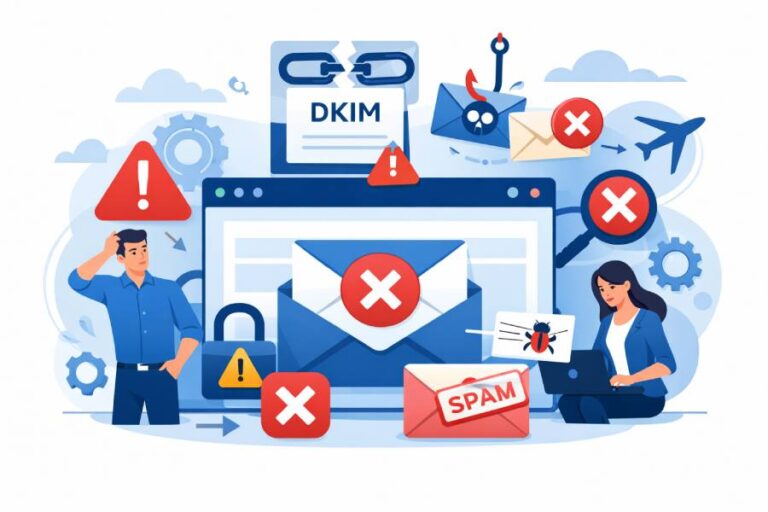
A Complete Guide from DMARCReport: How to Identify and Safely Check Suspicious Links
In today’s connected world, cyber threats rarely knock before entering. Suspicious links — whether delivered through email, messaging apps, or social media — are among the most common dangers individuals and organizations face online. Clicking a malicious link can compromise sensitive data, install malware, undermine security systems, or open the door to phishing campaigns.
At DMARCReport, we’re focused not only on helping you authenticate email with DMARC, SPF, and DKIM but also on empowering you with practical know-how to recognise, assess, and handle potentially harmful links before they ever jeopardize your inbox or network.
This guide will take you step-by-step through how malicious links work, the tell-tale warning signs, how to analyse links safely, and best practices for protecting yourself and your organization.
Understanding Why Suspicious Links Are Dangerous
A “suspicious link” is essentially a hyperlink associated with malicious intent. Cybercriminals distribute them to trick victims into performing unsafe actions — like entering credentials, installing malware, or authorizing fraudulent payments.
Here’s what’s at stake:
- Phishing & Credential Theft: Malicious links can lead to counterfeit login pages designed to harvest usernames and passwords.
- Malware Deployment: Some links trigger hidden downloads, unleashing viruses, spyware, or ransomware.
- Data Loss & Identity Theft: Once a device or account is compromised, attackers can steal personal or business data.
- Brand & Trust Damage: Scammers often impersonate trusted companies, damaging reputations when victims believe fraudulent content is legitimate.
The majority of these threats start with something as simple — and deceptively innocent — as a link in an email or text message. That’s why understanding how to intercept risks before you click is essential.
Common Red Flags That Signal a Suspicious Link
1. Unusual or Misspelt Domains
Attackers often create deceptive URLs that look like legitimate websites, but they contain subtle misspellings, extra characters, or numeric replacements (for example: “paypa1.com” instead of “paypal.com”). These look-alike domains are a core phishing tactic.
Carefully reading the entire URL — not just the portion you think you recognise — is vital.
2. Hover to Preview the Real URL
Before clicking any link in an email or message, hover your mouse pointer (on desktop) over the text to view its destination in the status bar or tooltip. If the actual URL is different from what the text suggests — or displays a shortened/encoded address that hides the true destination — treat it with suspicion.
3. Too-Good-to-Be-True Offers
Scammers thrive on urgency and emotion. Messages that promise large discounts, free gifts, or threaten consequences (such as account closures unless you act now) are classic bait to lure clicks without rational scrutiny.
4. Unknown or Generic Senders
If you receive a link from an unexpected email address or phone number — especially one claiming to be from a large company but using a generic domain — be wary. Attackers frequently spoof sender details to appear legitimate. Verification by other means (phone call, official portal login) is safer than trusting a single message.
5. Shortened and Redirected URLs
URL shorteners like bit.ly or tinyurl mask the actual destination. While not all shortened links are malicious, attackers use this obscurity to hide dangerous websites. If you cannot preview the expanded link before clicking, err on the side of caution.
How to Check a Suspicious Link Safely (Without Clicking It)
Clicking a potentially harmful link can instantly compromise your device. Instead, use non-intrusive methods to analyse the link before any interaction.
1. Use a Phishing URL Checker
Tools like EasyDMARC’s Phishing URL Checker — and similar link-scanning services — let you paste URLs (or full email text) into a secure environment. The tool then assesses each link for phishing or malicious indicators and reports whether it’s safe to visit.
These checkers often apply machine learning and heuristic scanning to identify:
- URLs matching known phishing or malware patterns
- Redirect chains that conceal the true destination
- Suspicious domain age or reputation
The result is a simple Good or Suspicious verdict — a reliable way to vet links without ever clicking them.
2. Copy the Link and Analyse
Instead of clicking, right-click and copy the URL. Paste it into safe analysis tools, such as:
- Phishing or malware checkers
- Reputation or blacklist services
- URL expander tools (for shortened links)
This lets you extract and examine the full link structure without exposing your device to risk.
3. Check URL Reputation and Safety Databases
Security services like Bitdefender’s Link Checker analyze links against global threat databases and behavioural data to spot scams or malware. These tools expand shortened URLs, scan for suspicious traits, and provide straightforward safety results.
4. Manual Clues & Common Sense Checks
Even without tools, you can often spot suspicious elements:
- Presence of IP addresses in the URL instead of domain names
- Strange folder structures or random strings
- Mismatched HTTPS certificates or missing lock symbols
- Requests for credentials or sensitive data on unexpected pages
Many phishing attempts fail basic scrutiny but succeed when users hurry or become distracted.
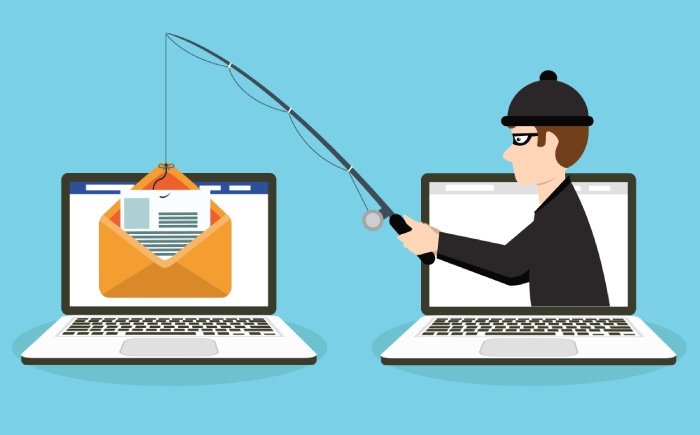
What to Do If You Accidentally Clicked a Suspicious Link
Mistakes happen — but how you respond matters:
- Disconnect Immediately: Turn off internet/Wi-Fi to limit further communication between your device and any malicious server.
- Scan for Malware: Run a full antivirus and malware scan using reputable security software.
- Change Passwords: If the link targeted accounts or credentials, update passwords on every affected service.
- Monitor Accounts: Watch for unauthorised activity in banking, email, or services connected to the compromised device.
- Report the Incident: Notify your IT team (for business accounts) or local cybercrime authorities if personal data was exposed.
Prompt action can significantly reduce the harm a malicious link might cause.
How Modern Tools and Practices Improve Cyber Hygiene
Today’s cyber defenders use multiple layers of protection, and effective link scanning is a key part of that architecture.
AI and Machine Learning in URL Analysis
Advanced URL scanners use trained models to distinguish suspicious links based on patterns that are hard for humans to detect manually. These systems compare new links to vast datasets of known good and malicious URLs and apply insights to predict risk.
Educated Users Are the Best Defense
No scanner is perfect — attackers constantly evolve techniques. This is why awareness training and vigilance are essential complements to automated tools.
Understanding basic signs, like suspicious domain names, email spoofing tactics, and psychological ploys used by scammers, elevates your defence far beyond relying solely on automation.
Integrating Email Authentication With Suspicious Link Awareness
At DMARCReport, we emphasise not just reacting to threats — but preventing them. Email authentication protocols like DMARC, SPF, and DKIM help ensure that malicious emails don’t even reach your inbox in the first place. When properly configured, they can block many phishing threats before they ever present a suspicious link to a user.
Combining strong email authentication with proactive link checking practices establishes a powerful shield against cyber threats.
Conclusion: Stay Smart, Stay Safe
Suspicious links are not going away — cybercriminals continue to refine their tricks and social engineering strategies. But with the right knowledge and tools, you can dramatically reduce the risk they pose.
Here’s your action plan:
- Always inspect links before interaction
- Use trusted link analysis tools to vet URLs safely
- Keep your cybersecurity habits sharp and up-to-date
- Integrate authentication systems like DMARC to block threats upfront
Your vigilance today keeps attackers at bay tomorrow.If you’d like a free tool to start analysing links instantly, visit DMARCReport Phishing URL Scanner — a reliable way to keep your inbox and organisation safe from malicious URLs.