Stop Worrying About Email Phishing: A Comprehensive DMARCReport Guide To Using DMARC, DKIM, And SPF Tools To Protect Your Domain
In an age where digital communication has become the backbone of business and personal interactions, email remains one of the most productive yet most exploited vectors for cybercriminals. Threat actors around the globe continually refine their tactics — from simple scams to sophisticated social engineering and phishing campaigns designed to dupe recipients into exposing sensitive data or performing harmful actions. Despite the evolution of email threats, the underlying protocols of email transmission remain largely unchanged since the early 1980s. Without proper safeguards, email systems can be easily abused.
At DMARCReport, we’ve seen firsthand how ineffective or incomplete email authentication can devastate organizations — leading to financial theft, loss of customer trust, regulatory repercussions, and long-term reputation damage. That’s why we want to help you fully understand and confidently implement the most effective tools available today: SPF, DKIM, and DMARC.
Why Email Phishing Is Still a Major Threat
Email phishing is more than a nuisance — it’s a highly effective attack method used to steal credentials, financial information, or instigate malware infections. Phishing involves impersonating a trusted sender to fool the recipient into responding, clicking on fraudulent URLs, or submitting private data. Despite awareness programs and user training, phishing remains one of the leading causes of data breaches worldwide.
Statistics show that phishing attacks account for a significant portion of successful cyberattacks, with millions of dollars lost annually by businesses due to phishing‑related fraud. This isn’t surprising when you consider email’s global reach and the fact that billions of messages are exchanged daily. Without safeguards, malicious actors can forge emails that appear legitimate — and victims often don’t realize anything is wrong until it’s too late.

SMTP: The Foundation and the Flaw
To understand why phishing persists, we need to start with the basics: SMTP (Simple Mail Transfer Protocol). SMTP was developed at a time when email security wasn’t a priority. It was built on simplicity and reliability, not identity verification. The protocol enables email messages to be sent from one server to another, but it includes no inherent mechanism to confirm whether an email truly comes from the domain it claims to originate from.
This design flaw means that any sender can claim to be anyone — including your bank, your company’s CEO, or a trusted partner — simply by forging the “From” address in an email. That’s email spoofing, and it’s the foundation upon which many phishing attacks are built.
Understanding Email Spoofing and Phishing
Email spoofing is when a cybercriminal forges email headers so that the message appears to come from someone familiar or trusted. Phishing is a type of attack that uses this spoofed email to deceive the recipient — often with the goal of stealing sensitive information. A common example is when an attacker poses as a colleague requesting confidential information or a finance team member asking for funds to be transferred.
These attacks are particularly dangerous because they exploit trust. A well‑crafted spoofed email can bypass human judgment — especially when it mimics familiar language, formatting, or branding.
SPF: The First Line of Defense
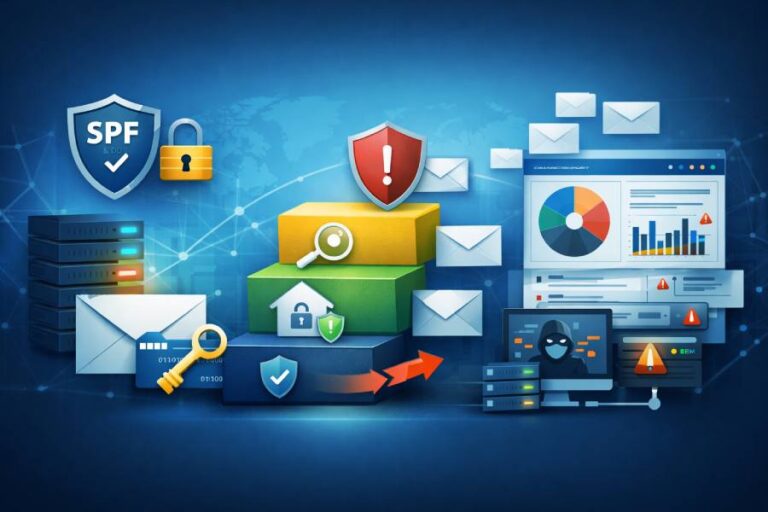
SPF (Sender Policy Framework) is one of the earliest email authentication mechanisms designed to tackle spoofing by defining which mail servers are authorized to send emails for a given domain. You publish an SPF record in your domain’s DNS settings listing legitimate sending IP addresses. When a recipient server receives an email, it checks the SPF record to determine if the sending server is authorized.
If the sending IP isn’t listed in the SPF record, the email may be flagged as suspicious or rejected. SPF works well at verifying where an email is sent from, but it doesn’t directly validate the visible “From” address that users see in their inbox — and thus cannot, on its own, fully prevent spoofing or phishing.
Best practices for SPF include:
- Keeping your SPF record accurate and up‑to‑date with all legitimate senders
- Avoiding overly broad or permissive definitions (e.g., using “+all”)
- Maintaining a clear understanding of DNS lookup limits to avoid misconfigurations
DKIM: Adding Cryptographic Signatures
While SPF validates authorized senders, DKIM (DomainKeys Identified Mail) takes a different approach by adding a cryptographic signature to outgoing messages. This signature is unique for your domain and can be verified by recipient servers using a public key published in DNS. If the signature validates, it proves that the email has not been altered since it was sent and that it came from an authorized source.
DKIM provides a stronger guarantee of authenticity and integrity. However, like SPF, it doesn’t alone ensure that the visible “From” address aligns with the authenticated domain, which is critical for stopping impersonation attacks.
Important DKIM practices include:
- Generating keys of sufficient length (ideally 2048 bits)
- Rotating keys periodically
- Ensuring correct selector configuration for multiple outgoing email streams
DMARC: The Policy That Stops Phishing
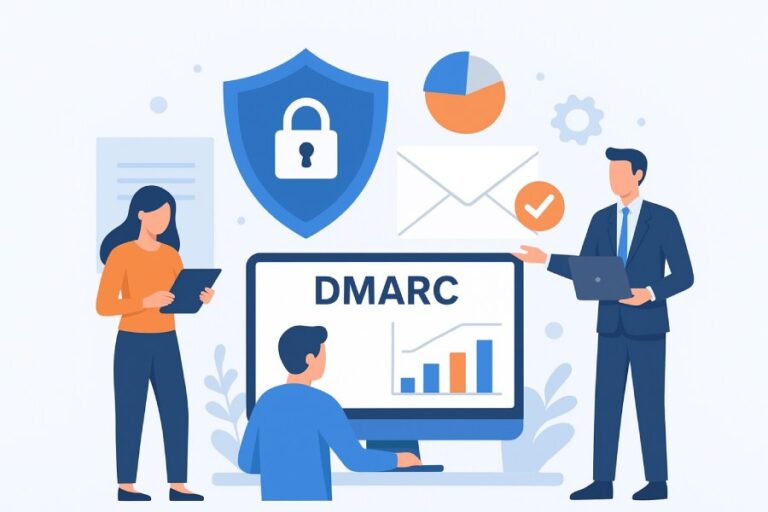
This is where DMARC (Domain-based Message Authentication, Reporting, and Conformance) comes in.
DMARC builds upon SPF and DKIM, requiring alignment between the sender’s visible “From” address and the domains authenticated by SPF and/or DKIM. It also allows domain owners to publish a policy instructing receiving mail servers what to do with failing messages — whether to monitor, quarantine, or reject them outright.
Here’s how DMARC works:
- Monitor Mode (“p=none”)
DMARC doesn’t block any messages but starts collecting reports on email authentication performance. - Quarantine Mode (“p=quarantine”)
Failing messages are more likely to land in spam or junk folders. - Reject Mode (“p=reject”)
The strictest policy — recipient servers are instructed to refuse delivery of emails that fail authentication checks.
DMARC provides visibility, control, and enforcement — three critical elements for stopping phishing and spoofed email attacks.
The Power of Visibility and Reporting
One of the most valuable aspects of DMARC is its reporting capability. DMARC reports let you see who is sending emails using your domain — including legitimate third‑party services and unauthorized actors.
With tools like DMARCReport, these reports are aggregated and visualized so you can:
- Identify senders that fail authentication
- Spot unauthorized use of your domain
- Monitor authentication trends over time
- Fine‑tune SPF and DKIM configurations to maximize protection
Without DMARC reporting, you’re essentially flying blind — unaware of the threats using your domain until a breach or phishing incident occurs.
Putting It All Together: A Unified Email Authentication Strategy
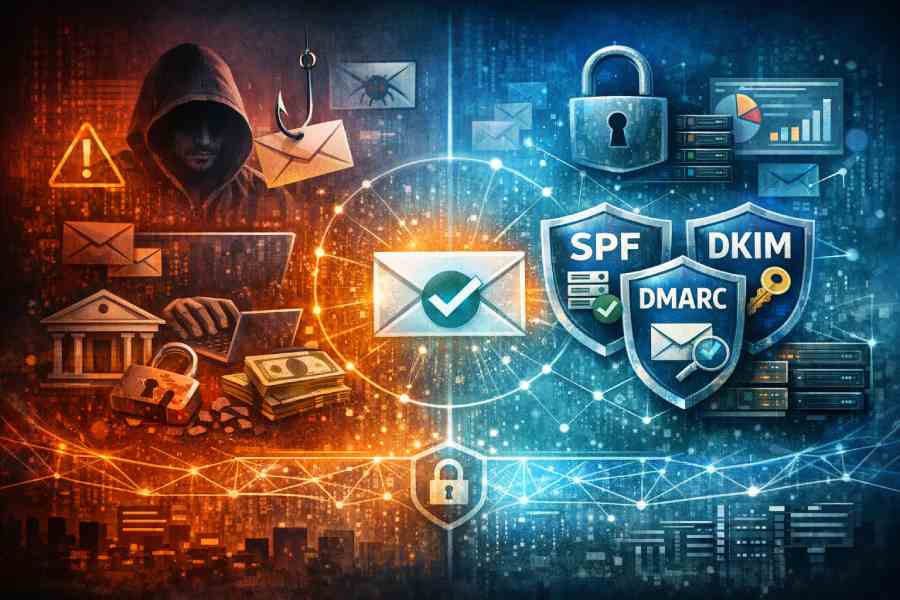
SPF, DKIM, and DMARC were designed to work together — and the combination is far more powerful than any one protocol on its own. When these three tools are properly configured and maintained:
- You verify that the sender is authorized (SPF)
- You ensure the message hasn’t been tampered with (DKIM)
- You enforce domain ownership and messaging policies (DMARC)
This unified strategy dramatically reduces the risk of phishing and spoofing, improves your domain’s trustworthiness, and enhances deliverability to legitimate inboxes.

Common Challenges and How to Overcome Them
Third‑party Senders
Many organizations use external services (e.g., marketing platforms, CRM systems) to send email on their behalf. Ensuring these services are included in your SPF record and configured for DKIM signing is crucial.
Gradual DMARC Enforcement
Rushing to a strict DMARC policy without monitoring first can lead to unexpected delivery issues. Start with “p=none,” analyze reports, fix issues, and move to stricter policies over time.
Ongoing Maintenance
Email sources change — services get added, removed, or reconfigured. Regularly review DNS records and DMARC reports to ensure your authentication setup stays healthy.
Conclusion: Don’t Let Phishers Own Your Domain
Email phishing doesn’t have to be an inevitable business risk. With the right understanding and tools — SPF, DKIM, and DMARC working in harmony — you can create a robust defense that protects your brand, your customers, and your organization’s reputation.
At DMARCReport, we believe that email authentication should be easy, actionable, and transparent. Getting started may require effort, but the payoff — fewer phishing attacks, stronger deliverability, and greater control — is well worth it.
If you’re serious about stopping phishing and securing your email domain, embrace DMARC with SPF and DKIM as your foundation. Empower your security strategy with visibility, enforce strong policies, and ensure your emails are trusted by recipients everywhere.