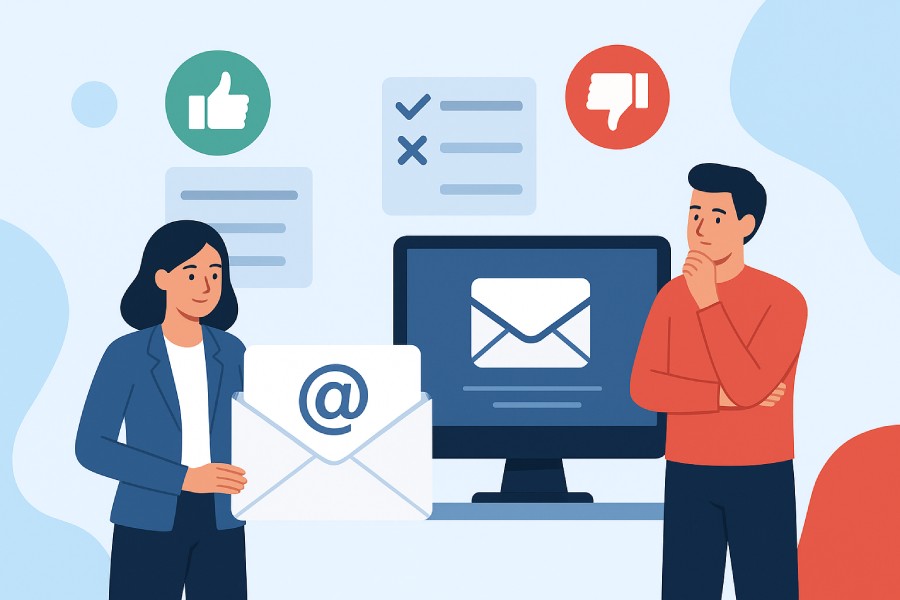
Pros and Cons of Using Third-Party Email Services for Small Businesses
If you run a small business, email marketing is one of the easiest ways to stay in touch with your customers, promote offers, and grow sales. But building and maintaining your own email system takes time and technical know-how.
And most founders simply don’t have that.
Luckily, third-party email services can help. Platforms like Mailchimp and Moosend let you send newsletters, automate campaigns, and track results from one platform.
They make marketing simpler. But they also hand part of your customer communication and customer data to another company. Before you commit, you should know exactly what you’re gaining and what you’re giving up.
Let’s take a closer look at the pros and cons of using third-party email services as a small business owner. 👇
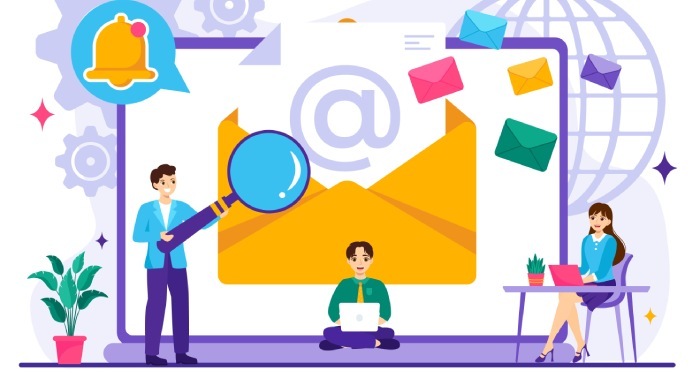
What are third-party email services (ESPs)
Third-party email services (ESPs) are platforms that send or manage your business emails on your behalf through their own servers.
That includes both:
- Business email hosts, like Google Workspace, Microsoft 365, and Zoho Mail. (They handle your company inboxes).
- And email marketing services (ESPs), like Mailchimp, Moosend, and ActiveCampaign. (They handle newsletters, drip campaigns, and sales automations.)
Pro tip: Learn more on how to export LinkedIn lists to CSV and use them to your advantage. Don’t let those go to waste.
The pros of using third-party email services
Here are some of the top pros of using third-party email services as a small company owner:
1. Easy setup and quick results
You can start sending professional emails within hours with a third-party email service.
The platform takes care of email deliverability, spam compliance, and technical setup, so you don’t have to. All you have to do is upload your list, design a campaign, and hit send.
Speaking of deliverability …
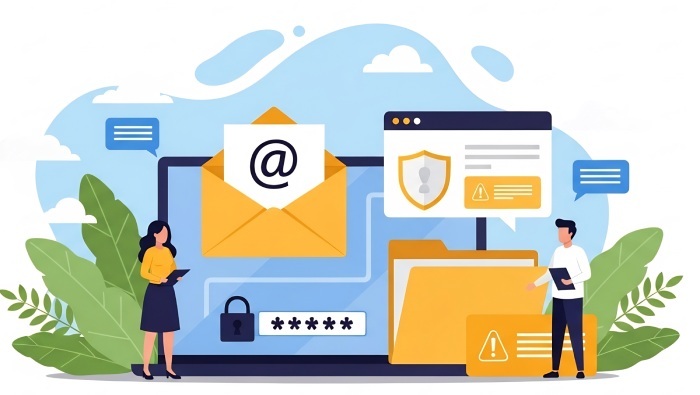
2. Better deliverability and sender reputation
Reputable ESPs maintain strong relationships with inbox providers like Gmail and Outlook. They monitor spam complaints, rotate IPs, and handle email authentication automatically. This gives your messages a much better chance of landing in the inbox instead of the junk folder.
And this is especially important if you’re running ads or sales email campaigns.
Small businesses often have a limited advertising budget, and this can quickly be depleted by fake leads generated from invalid emails. (They corrupt your conversion data and skew optimization.) Prioritize services with integrated email verification to maximize your ROI and make sure every ad dollar converts a genuine prospect.
3. Smarter audience targeting
Segmentation tools enable you to tailor messages to specific customer groups based on their purchase history or click behavior. You can send loyal customers early access to a sale, or re-engage people who opened a product page, but left without buying. All from one system.
4. Test what works
A/B testing eliminates the guesswork from subject lines and offers.
You can test two versions of an email and see which drives more opens or clicks, then roll the winner out automatically. Over time, this helps you learn what your audience responds best to, so you can focus your attention on planning those specific campaigns.
5. Built-in tools that save time
Most third-party email platforms combine templates, automations, integrated LLM frameworks, analytics, and contact management. You don’t have to juggle multiple tools or hire developers. Everything you need sits under one roof.
6. Turn emails into ongoing revenue
Once you know your audience well, you can use third-party email services to create repeat business and passive income with automated flows, like:
- Client acquisition campaigns
- Abandoned cart reminders
- Client retention campaigns
- Post-purchase emails
- Holiday promotions
- Loyalty campaigns
- Welcome offers
- Upsells
7. Predictable monthly cost
Instead of investing in servers or custom setups, you pay a monthly subscription that scales with your list size. You know your costs upfront and can adjust plans as you grow.
(There’s a bit of a caveat here, though. More on this in the cons section!)
8. Easy scaling as your business grows
Whether you have 500 subscribers or 50,000, your provider manages the sending volume, uptime, and storage automatically. Try to focus on your marketing strategy, instead of juggling technical limits.
The cons of using third-party email services
Still, there are some downsides to using ESPs.
Here are some of the top cons of using third-party email services as a small business owner:
1. You don’t fully own your data
Your subscribers, campaign results, and automations live on the provider’s servers.
This can be scary because if you leave or miss a payment, access can get complicated. And exporting everything isn’t always straightforward. Some platforms even charge you for your mailing history and other historical data.
2. Switching takes time
Each service structures automations, tags, and reports differently. Moving from Mailchimp to Moosend or vice versa often requires manual cleanup.
(Make sure to keep your workflows portable by backing up your custom templates and documenting automations.)
3. Privacy and compliance are still your responsibility
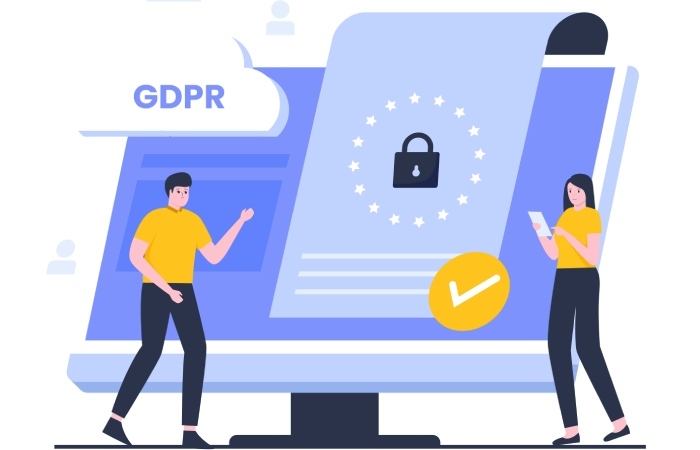
Even if your ESP claims to be “GDPR-ready,” you’re still the data controller. If a customer requests deletion or you violate a consent rule, regulators hold you accountable — not your vendor.
4. Hidden or growing costs
Your monthly plan can double in price (or get even more expensive) once you add automation, segmentation, advanced ROI reporting, or more subscribers to your email list.
Make sure to review what’s included and confirm your total monthly or annual pricing before scaling your list. Schedule a call with a customer service team member or onboarding rep and have them go over your potential costs, line by line.
5. Security still depends on you
The provider secures its system. But if someone on your team reuses a weak password, it’s your data at risk. Enforce two-factor authentication and regularly review access.
6. Outages happen
No system is perfect.
Even with 99.9% uptime, you could still lose access for hours. If your campaigns depend on time-sensitive sends, have a backup plan or alternative communication channel ready.
7. Integrations can break
Many businesses connect their ESP to a CRM, e-commerce store, or booking app. When those integrations fail, automations stop running. And customer journeys break.
Always test major updates before launches, and keep in mind that tech issues can spring up at any time.
How to protect your business while using an ESP (a helpful checklist)
Use this checklist to keep your company safe while using a third-party email services tool.
Feel free to print this off and check off each line item as you research and set up your ESP!
- Make sure you can export everything. Before signing up, test whether you can download contacts, campaign reports, and automations in a format that you can reuse elsewhere.
- Read the Data Processing Agreement (DPA). This document outlines who owns your data, where it’s stored, and how deletions work. Never skip it.
- Back up your lists and campaigns. Download your contacts regularly or set up automatic exports.
(If your account gets suspended or hacked, you won’t lose your audience.)
- Enable two-factor authentication. Weak or reused passwords are still one of the biggest causes of compromised marketing accounts. Add 2FA for every user, including for contractors and marketing agencies you’re working with.
- Use built-in security features. Look for tools that support email verification to keep fake or invalid email addresses off your list.
- Know where your data lives. Some providers replicate or store data outside of your country. If you work with EU or California residents, make sure to confirm compliance with GDPR or CCPA before uploading customer info. (Otherwise you could get into legal trouble.)
- Review pricing tiers and limits. Understand how plans handle send volume, API usage, and automation caps. Remember, your growth can surprise you with extra costs.
Test deliverability regularly. Create test accounts across Gmail, Outlook, and Yahoo. Send campaigns to those addresses and monitor inbox placement to test email deliverability. This is the easiest way to catch issues early. - Keep your unsubscribe process clean. Include a one-click unsubscribe link to reduce spam complaints and build trust with your audience.
Audit access and permissions quarterly. Remove old employees or freelancers who still have logins. - Document an exit plan. Write down how you’d switch email providers if you ever needed to. (Note how you’d export data and templates, update DNS records, and test imports.) Set an automated reminder to run through this once a year, so you’re not caught off guard if this ever happens.
Common mistakes to avoid
Avoid these mistakes when using an ESP:
- Buying features you don’t use or need yet. Many plans bundle extras that sound impressive but add no value for your business model. Make sure you need a feature or add-on before you commit to investing in a bigger plan.
- Ignoring customer consent. Always get explicit permission before adding anyone to your list. (Unsolicited emails can ruin your sender reputation.)
- Setting the ESP once and never reviewing it. Regularly review performance, your list health, and email automations.
Neglecting list cleanup. Remove inactive subscribers periodically to maintain email deliverability.
When not to use a third-party ESP
Sometimes, a third-party email platform isn’t the best choice. You need to make sure it makes sense for your specific small business and marketing goals before you commit.
For example, you might need a self-hosted or private email setup if:
- You need custom workflows or on-premise integrations that standard ESPs don’t support.
- You handle sensitive or confidential data (like legal, medical, or financial information).
- You’re required by contract or regulation to store data in specific regions.
If you fall into these categories, consult with a managed IT provider or security consultant before making a decision.
Wrap up
Third-party email services make marketing easier and smarter for small businesses. As long as you stay in control of your data and understand your responsibilities.
Use the tools for what they do best: Automate, personalize, and sell efficiently. However, maintain ownership of your audience, protect your lists, and always know how to exit cleanly if the platform stops working for you.
PS: Managing multiple domains? Strengthen your email security with enterprise-grade DMARC management. Get full visibility and protection across every domain. Start free or book a demo now.