What causes DMARC false positives, and how can you fix them?


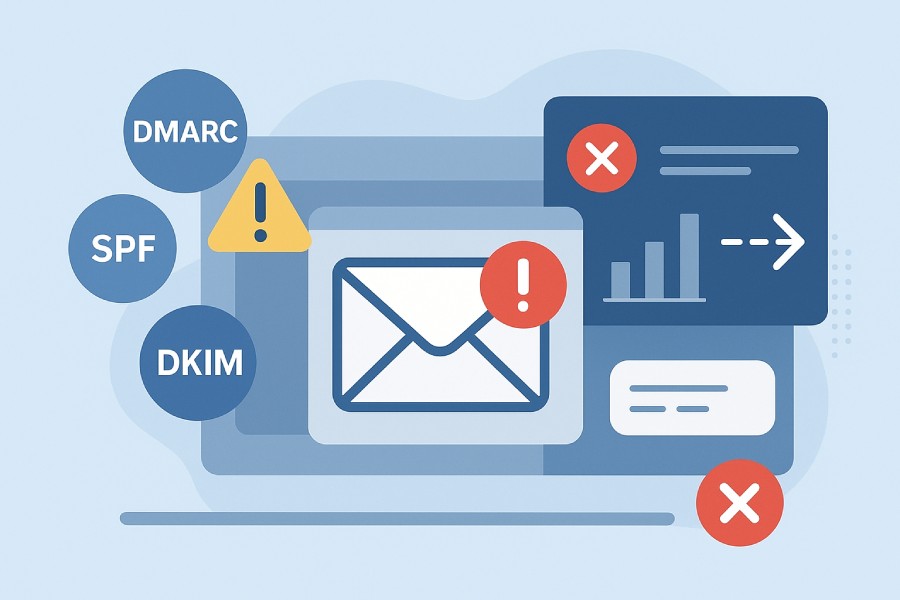
DMARC, or Domain-based Message Authentication, Reporting, and Conformance, is one of the most crucial security protocols in your email authentication setup. As it builds on SPF and DKIM, it checks whether an email is genuinely aligned with the domain it claims to come from and, if not, how it should be handled.
This sounds simple, but in operations, it’s far more complex. Sometimes, DMARC checks end up flagging authentic emails as suspicious, even if the entire authentication setup was configured with utmost care. This happens because sometimes your outgoing email doesn’t simply go from Point A to Point B. It takes detours, gets forwarded, filtered, or processed by services along the way. When that happens, a few things can go off track.
In this article, we will understand why DMARC failures happen, learn what you can do about them, and how you can protect your email traffic.
Why do false positives even happen?

DMARC is strict by design, which means it is meant to flag any email that seems even remotely suspicious or whose sender identity does not match what you might have approved. The thing is, even though your email might be completely legitimate and comply with DMARC norms, checks can still fail if the proof of identity gets disrupted while the email is in transit.
Here’s what might go wrong:
Your DNS records aren’t managed properly
The DNS is the foundation of your entire authentication setup, as it contains the rulebook that receiving servers refer to when they check who really sent the email. With the list of approved sending servers, published DKIM signatures, and the DMARC policy that tells what to do when proof doesn’t add up, DNS becomes the ultimate point of verification for the receiving servers.
Now, if there’s a problem in your DNS setup, be it a missing server, an outdated DKIM key, or even a domain mismatch, the receiving server will be unable to confirm the authenticity of the email, and DMARC fails.
SPF/DKIM might be misaligned
As you know, DMARC is built on SPF and DKIM; it is very important that both pass their respective checks and match the domain exactly in your “From” address. If your alignment policies are very stringent, chances are legitimate emails may fail DMARC simply because the sending path or signing domain slightly differs from what DMARC expects. For DMARC to pass, “almost aligned” doesn’t make the cut. It must match the “From” domain exactly, every single time.
Your email is forwarded
This is another common reason why DMARC might fail, despite you having done everything right. When a message is forwarded, the new server becomes the one delivering it to the final inbox. If that forwarding server wasn’t listed in your SPF record, SPF alignment breaks. And because forwarding often changes parts of the original email (not in a harmful way, though), DKIM signatures may fail too. When both SPF and DKIM fail, DMARC fails as well.
Your DKIM keys are outdated or poorly rotated
It is crucial that you regularly rotate your DKIM keys for every service that sends email on your behalf, because that’s how the receiving servers confirm that the incoming email wasn’t forged along the way. Although the keys don’t expire on their own, if you don’t rotate them regularly, the security of the signing key gradually weakens. Moreover, if you still have old keys configured for years, they can be leaked, copied, or misused without you realizing it.

So, even if one of your old DKIM keys leaks, and its public key is still sitting in DNS, a fake email can pass the DKIM signature check using a copied seal. DMARC trusts the signature because the public key still says it’s valid. The email you sent might fail later because it no longer aligns perfectly with your current SPF or DKIM rules, and DMARC will fail for your legitimate emails.
Your third-party senders are not authorized
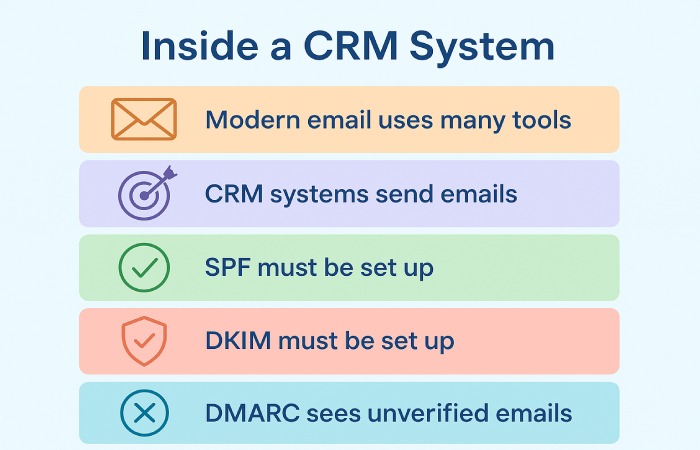
Most people only list their primary email sender in DNS, but modern email uses many tools. If your domain sends messages through a marketing tool, CRM system, or even a billing platform, they must also be approved in SPF or have DKIM set up. If not, DMARC sees those emails as unverified, even if you trust the service yourself.
How can you detect DMARC false positives?
Now that you know what causes DMARC false positives, let’s see how you can spot them so that you are better equipped to detect problems before they impact your legitimate emails.
- Keep track of DMARC aggregate reports (RUA) to gain insights into the pass/fail trends of your email communication.
- Check your DMARC forensic (RUF) reports regularly to see detailed failure logs, especially if real emails were rejected or marked as suspicious.
- Checking your mail server’s bounce or rejection logs is another simple way to catch false positives. Look out for repeated bounces or frequent rejections of internal or trusted partner emails.
How to fix and prevent DMARC false positives?

- Ensure SPF/DKIM domains match the “From” domain exactly.
- Keep DNS records up to date so that all legitimate servers, signing keys, and domains used in legitimate email communication are officially recognized by receivers.
- During key rotation, keep old public keys in DNS temporarily until earlier-signed emails finish delivery.
- For forwarded mail, use authentication-preserving headers like ARC so earlier SPF/DKIM results travel forward.
- When setting up DMARC policy, start with p=none, monitor, then tighten to quarantine or reject only when alignment proofs are complete.

We understand that dealing with DMARC false positives can be frustrating, especially when you are doing everything right from your end. This is why we are here to help you with all things DMARC.
From proper alignment, careful monitoring, and gradual enforcement of DMARC policies, we can help you ensure that your emails get through seamlessly and securely.
Contact us to know more.