How Phishing Scammers Get Your Email Address — and How DMARCReport Can Help You Stop Them
Every day, millions of people and businesses around the world fall prey to phishing attacks — fraudulent schemes designed to trick users into revealing sensitive data like passwords, financial information, or proprietary business credentials. At DMARCReport, we understand the danger these threats pose, and we want to give you a complete picture of how phishing scammers actually obtain your email addresses, why it matters, and what you can do to protect yourself and your organization.
Today’s cybercriminals are more patient, creative, and relentless than ever before. Just seeing strange emails in your inbox isn’t unusual — but knowing how those scammers got your address in the first place can help you safeguard your digital life.
Let’s walk through the many paths phishing scammers use to collect email addresses and then explore practical strategies — grounded in proven security controls — that can help keep you safe.
Why Phishing Scammers Want Your Email Address
Before we unpack the mechanics of how they get your address, it’s important to understand why they want it:
- A valid email address is the first step in launching phishing campaigns aimed at credential theft, financial fraud, or identity theft.
- With your email address in hand, attackers can craft convincing phishing messages that appear to come from trusted services or colleagues.
- In some attacks, scammers use stolen email addresses to harvest other contacts and expand their reach exponentially.
- Email addresses are also sold and traded on underground markets, meaning your compromised information can change hands many times.
The consequence? Even if you never clicked on a malicious link, your address alone can lead to new attacks. That’s why understanding sourcing is so crucial.
1. Data Breaches and Dark Web Lists — A Major Source of Leaked Emails
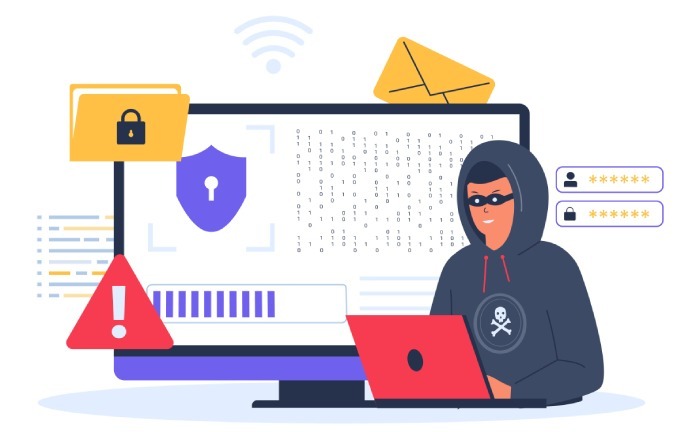
One of the most common ways scammers get email addresses is through data breaches.
Whenever a company or online service suffers a security breach — whether large or small — attackers often steal user databases that contain email addresses, names, passwords, phone numbers, and more. Often, this stolen data is eventually posted or sold on the dark web — a hidden portion of the internet not indexed by search engines and frequented by cybercriminals.
Once on a dark web marketplace, email lists are traded or sold, often in huge batches. Attackers buy these lists to fuel phishing campaigns, account takeover attempts, or credential stuffing — a technique that tries stolen credentials across many services until one works.
These compromised lists can include corporate accounts, consumer services, forums, subscription sites, and more — meaning anyone could be exposed if a service you’ve used has been breached.
2. Publicly Shared Emails on Social Media and Public Profiles
Another surprisingly simple source of information for phishing scammers is public profiles on social platforms.
People willingly share their names, locations, job titles, and sometimes email addresses — especially on professional sites like LinkedIn, personal blogs, or public forums. Even when you think a profile is private, many platforms make parts of your profile visible to search engines or bots.
Phishing attackers can scrape this information using automated tools, cataloging email addresses and associated details to create more tailored and convincing phishing attempts. Even other seemingly harmless personal data can make a scam message feel “legitimate” to a recipient who recognizes their own name or employer.
This is why privacy settings alone aren’t enough — never share your email address publicly unless absolutely necessary.
3. Bots That Harvest Emails From Websites and Online Content
Scammers don’t always need to steal or buy your contact list — sometimes they just scrape the internet.
Automated programs called email harvesters crawl the web looking for text that contains an “@” symbol followed by domain-like patterns (e.g., example.com). These bots scan websites, blogs, forums, comments, directories, and other online resources to compile massive lists of email addresses in seconds.
Once harvested, these addresses can be aggregated and sold, recycled into phishing databases, or used in spam campaigns.
4. Fake Websites and Newsletter Sign-Ups That Capture Emails
Not all attacks come from hidden criminals in underground forums. Some are practically lying in wait, disguised as legitimate forms or services.
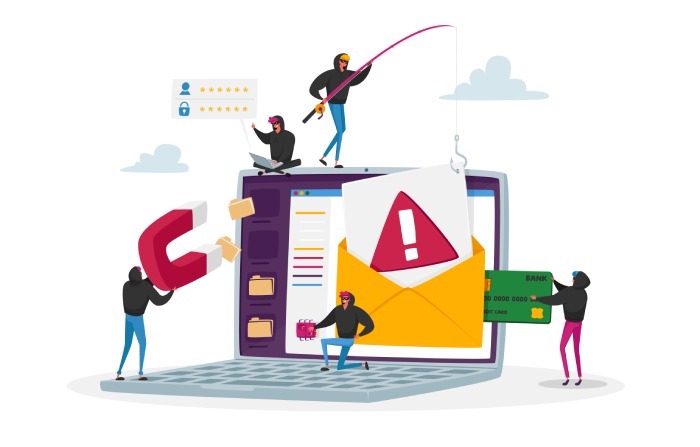
Many scammers create fake sites or landing pages that mimic brands or services you might trust. These pages often ask you to enter your email to subscribe, download a resource, or access a service. Once you do, your email enters their database — and you begin receiving malicious campaigns.
Always verify a website’s authenticity before sharing personal contact information. If the URL looks strange or the site design feels off, it could be a trap.
5. Social Engineering and Engagement Traps
Sometimes, attackers don’t steal your email — they trick you into giving it to them.
Social engineering tactics leverage human behavior. A phishing scam might pose as a quiz, free giveaway, “security alert”, or even a game. When you click or submit any details, the attacker captures your email and begins regular outreach.
Even multiplayer online games or social quizzes can sometimes result in credential sharing — especially if they ask you to link your social account or enter personal contact information. Scammers often sell this collected data to other threat actors.
These schemes rely heavily on emotional triggers like curiosity, urgency, or fear — which is why education and awareness are crucial.
6. Purchased Lists From Data Brokers
Aside from dark web marketplaces, there are legal but questionable third-party data brokers that gather and sell email lists collected from public records, marketing data, or third-party apps.
Attackers may buy these lists to expand their reach, using them to send phishing campaigns or launch credential attacks. Even if a data broker is legitimate, once a list is out there, it can easily end up in the wrong hands.
In short: once your email is shared with any third party, you lose control over who might access it later.
Why Email Exposure Is Dangerous
It’s easy to dismiss email spam as a nuisance — but it’s often the first sign of a larger problem.
Once a scammer has your email address, they can:
- Try account takeover attacks if they can guess or breach your password.
- Send targeted phishing posing as your bank, employer, or service providers.
- Harvest your contacts for broader attacks.
- Sell or leak your data to further criminals.
- Attempt credential stuffing across services.
Just receiving an unexpected email can be a risk — and clicking any link inside it without verifying the source can expose you to credential theft, malware, or financial fraud.
How To Keep Your Email Safe — A Practical Guide From DMARCReport
Now that you know how scammers get email addresses, let’s focus on what you can do about it. At DMARCReport, we advocate a layered approach to email security — combining good habits with strong email authentication protocols.
1. Don’t Share Your Email Publicly Unless Necessary
Treat your email like a key — not something you put on display for anyone to see. If you must post it, use formats that make scraping harder (e.g., name [at] domain [dot] com), or use disposable addresses when signing up for untrusted services.
2. Use Dedicated Authentication Technologies
One of the strongest defenses against phishing and spoofing is implementing:
- SPF (Sender Policy Framework)
- DKIM (DomainKeys Identified Mail)
- DMARC (Domain-based Message Authentication, Reporting & Conformance)
DMARC helps email receivers validate that messages claiming to come from your domain are truly authorized. When configured correctly, it significantly reduces the chances of attackers spoofing your domain to trick recipients. These controls don’t stop attackers from getting your email address — but they stop scammers from forging emails that look like they’re from you.
3. Be Careful With Third-Party Sign-Ups
Before entering your email into any form:
- Read terms and privacy policies.
- Understand what data is shared and with whom.
- If a service seems suspicious or poorly designed, consider avoiding it entirely.
4. Monitor Account Breaches Proactively
There are free services — like HaveIBeenPwned andsecurity monitoring tools — that let you check if your email appears in known breaches. If it does, change your passwords immediately and enable multi-factor authentication everywhere.
5. Train Your Team and Yourself
Phishing is not just a technical problem — it’s a human problem. Regular training on how to recognize phishing emails, suspicious links, and social engineering tricks dramatically reduces risk.
6. Handle Suspicious Emails Carefully
If you get an unexpected or unusual message:
- Don’t click links or attachments.
- Hover over links to see where they really go.
- Contact the organization using official contact details — not those in the email.
These simple habits can save you from falling for even sophisticated phishing scams.
Conclusion
Email is an essential part of how we live, work, and communicate — but it’s also one of the most abused channels by cybercriminals. From data breaches and harvesting bots to social engineering and underground markets, phishing scammers have many ways of collecting email addresses.
The good news? You don’t need to be defenseless.
By understanding how these threats work and taking proactive steps — from strong authentication protocols like DMARC to cautious online behavior — you can drastically reduce your exposure and protect both yourself and your organization.
At DMARCReport, email security is our mission. Stay informed, stay vigilant, and let strong authentication be your shield against phishing attacks.